
Blog · 2026-11-13
Smart Home Automation: A Beginner's Guide to Smarter Living
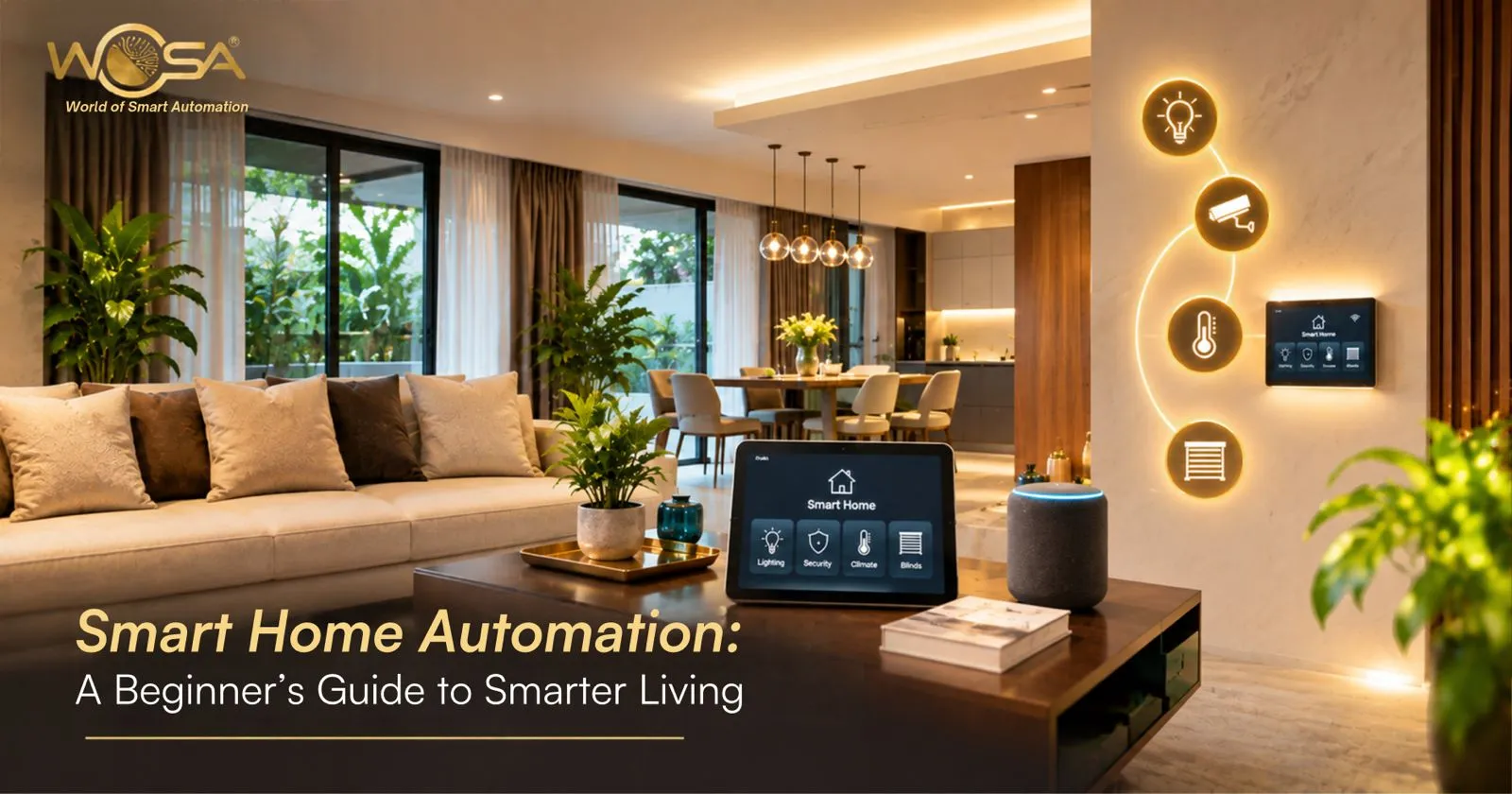
Technology is changing the way people interact with their homes. Lights can follow schedules, doors can support keyless entry, curtains can operate automatically, and compatible air conditioning systems can be managed through connected controls.
These features are part of smart home automation, a system that connects selected devices so homeowners can operate them conveniently or configure them to perform actions automatically.
For beginners exploring home automation in Hyderabad, understanding the basics can make it easier to choose useful features without investing in unnecessary technology.
What Is Smart Home Automation?
Smart home automation is the use of connected devices, controllers, sensors and programmed rules to manage functions within a home.
A basic setup might allow you to operate a light through a mobile app. A more integrated system could coordinate lighting, curtains, climate control and entertainment through one interface.
The difference between a collection of smart gadgets and an integrated smart home is how the devices work together. Compatibility and system design determine whether multiple functions can be managed through a common control platform.
How Does Smart Home Automation Work?
Most automation follows three basic steps.
1. Input: The system receives a command or detects a condition. This might be a voice instruction, a button press, a scheduled time or movement detected by a sensor.
2. Processing: A compatible controller or automation platform applies the programmed rule.
3. Action: The relevant device responds by switching on, changing a setting, sending an alert or performing another configured function.
For example, a motion sensor might trigger a hallway light after dark. A scheduled routine could close motorized curtains in the evening. A security sensor could notify the homeowner when a monitored entrance opens.
The exact operation depends on the devices, network and automation platform.
Essential Smart Home Features for Beginners
1. Smart lighting
Lighting is a practical starting point because it can improve everyday convenience without requiring every room to be automated immediately.
Depending on the installation, you may be able to dim lights, schedule switching, activate scenes or trigger selected lighting through sensors.
For example, a reading scene can provide suitable lighting in one area, while an evening scene can create a softer atmosphere in the living room.
2. Smart security
Security features may include smart locks, video door phones, CCTV cameras and intrusion detection devices.
These technologies can support controlled access, remote viewing and alerts, depending on the product and system configuration. They should complement appropriate physical security measures rather than replace them.
3. Climate control
Compatible AC systems can be managed through connected controls and schedules. This can make it easier to adjust temperature settings according to occupancy and daily routines.
Energy savings are not automatic, however. They depend on how the system is configured, the equipment used and household behaviour.
4. Motorized curtains
Motorized curtains let you open or close selected window coverings through compatible controls. They can be useful for tall windows, large living spaces and entertainment rooms.
Some setups also support schedules or integration with lighting scenes.
5. Home theatre automation
A coordinated entertainment setup can simplify the operation of compatible televisions, projectors, screens, audio systems and lighting.
Instead of controlling each component separately, a configured scene may bring the required functions together.
Explore WOSA's smart home solutions and motorization options to learn about these features.
Benefits of Smart Home Automation
Convenience: Control compatible devices through apps, voice commands, panels or programmed routines.
Personalisation: Configure scenes for mornings, evenings, entertainment and other daily activities.
More organised control: Bring compatible systems together instead of relying on several unrelated controls.
Flexible access: Supported remote-control functions can help you check or operate selected devices while away.
Potential energy management: Scheduling and occupancy-based controls may reduce unnecessary operation when appropriately configured.
Accessibility: Voice commands and automated routines may reduce the need to reach switches or repeatedly operate individual devices.
The benefits depend on selecting the right features and configuring them correctly.
Wired vs Wireless Automation: What Should Beginners Know?
Wired and wireless systems provide different installation options.
Wired systems, such as KNX-based installations, can be considered when planning a new home or major renovation. They allow control infrastructure to be incorporated into the building plan.
Wireless systems, including Zigbee-based solutions, can be suitable for some existing homes where additional control wiring is difficult.
Before choosing, consider the property layout, network conditions, supported devices, maintenance requirements and expansion plans. The most suitable technology is the one that meets the property's practical needs.
How Much Smart Home Automation Do You Need?
You do not have to automate every function at once.
A beginner might start with lighting in selected rooms, then add entrance security or climate control. Another homeowner may prefer to plan a complete system during construction so that wiring, control panels and devices are coordinated from the beginning.
Your budget should account for the devices, controllers, installation, configuration and any necessary infrastructure. Request an itemised estimate rather than comparing prices based only on the number of devices.
For local options, see WOSA's home automation services in Hyderabad.
Common Mistakes Beginners Should Avoid
Buying incompatible devices: A device that works independently may not integrate with your preferred platform.
Ignoring network requirements: Connected systems need suitable network coverage and properly planned infrastructure.
Automating without a clear purpose: Focus on features that solve actual problems rather than adding unnecessary complexity.
Overlooking security: Use strong, unique passwords, update device software and review access permissions.
Forgetting future needs: Consider whether the system can support additional rooms and functions later.
The CEDIA guide to smart home systems provides further guidance on planning connected devices and integrated controls.
Why Explore Smart Home Automation with WOSA?
WOSA offers solutions across lighting, security, climate control, smart panels, motorized curtains and entertainment. Homeowners can discuss their priorities and explore configurations suited to apartments, villas and existing properties.
A planned installation can help ensure the selected functions work together and that the controls remain straightforward for everyone in the household.
Frequently Asked Questions
1. What is smart home automation in simple words?
Smart home automation connects selected home devices so they can be controlled remotely or operate automatically according to schedules, commands and sensor inputs.
2. What should I automate first?
Start with a feature that solves a daily problem, such as lighting control, entrance security or climate scheduling.
3. Does smart home automation require the internet?
Some remote features require internet access, but certain systems can support local controls or automation without a continuous internet connection. Confirm the behaviour of your specific installation.
4. Is smart home automation expensive?
Costs depend on the property, number of devices, technology and installation requirements. You can discuss a phased approach if you want to begin with essential functions.
5. Can smart home automation work in a rented or existing home?
Some wireless or retrofit-friendly solutions may be suitable, subject to device compatibility, wiring and any landlord or building restrictions.
6. Does smart home automation save electricity?
It can help reduce unnecessary energy use through appropriate schedules and controls, but savings are not guaranteed and depend on usage patterns and system configuration.
Conclusion
Smart home automation makes everyday functions easier to manage by connecting devices and creating useful routines. Beginners can start with essential features and expand as their requirements evolve.
With thoughtful planning, compatible equipment and straightforward controls, a smart home can support a more convenient and organised lifestyle.
Explore smarter living with WOSA: Visit wosa.in to discover home automation solutions for your property.